


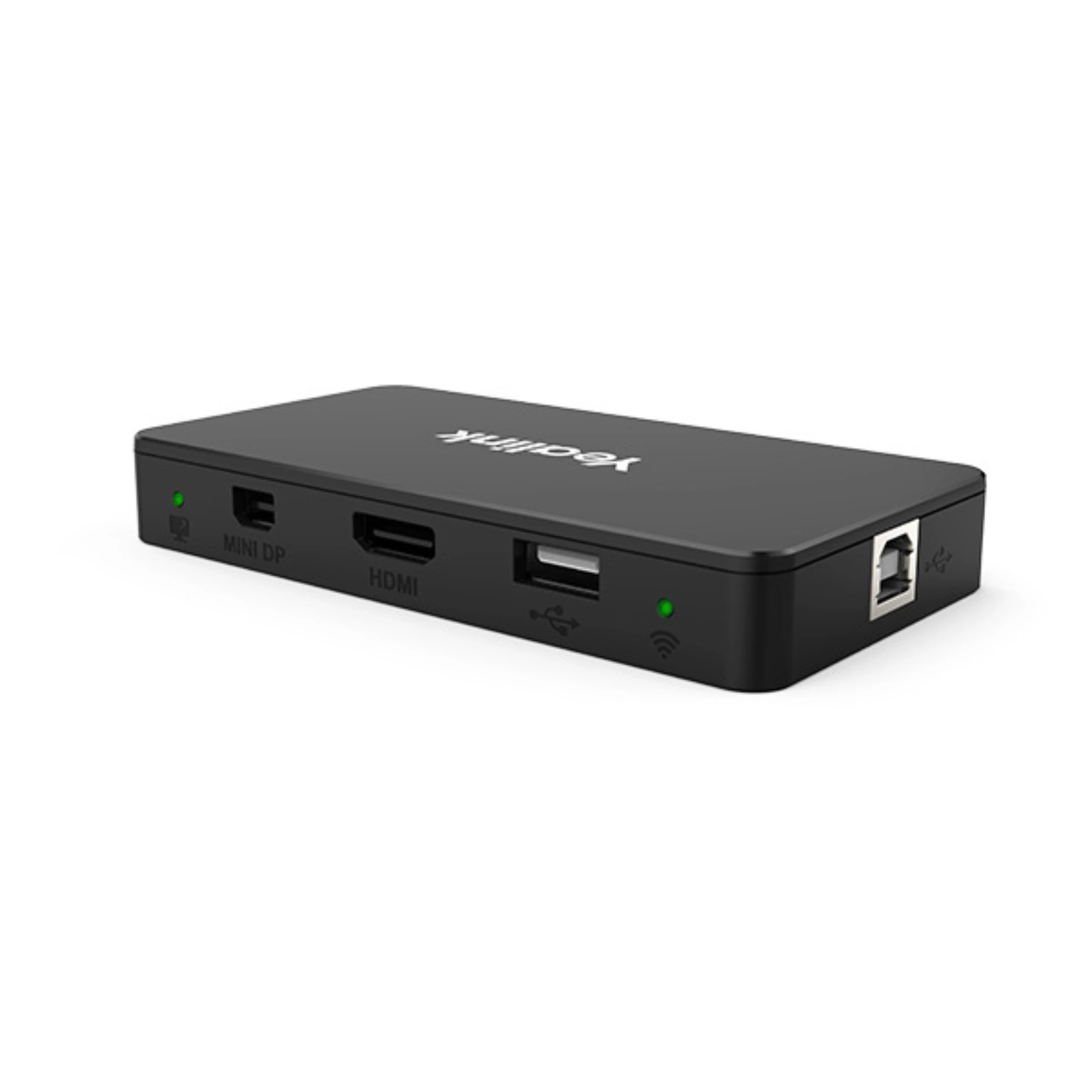
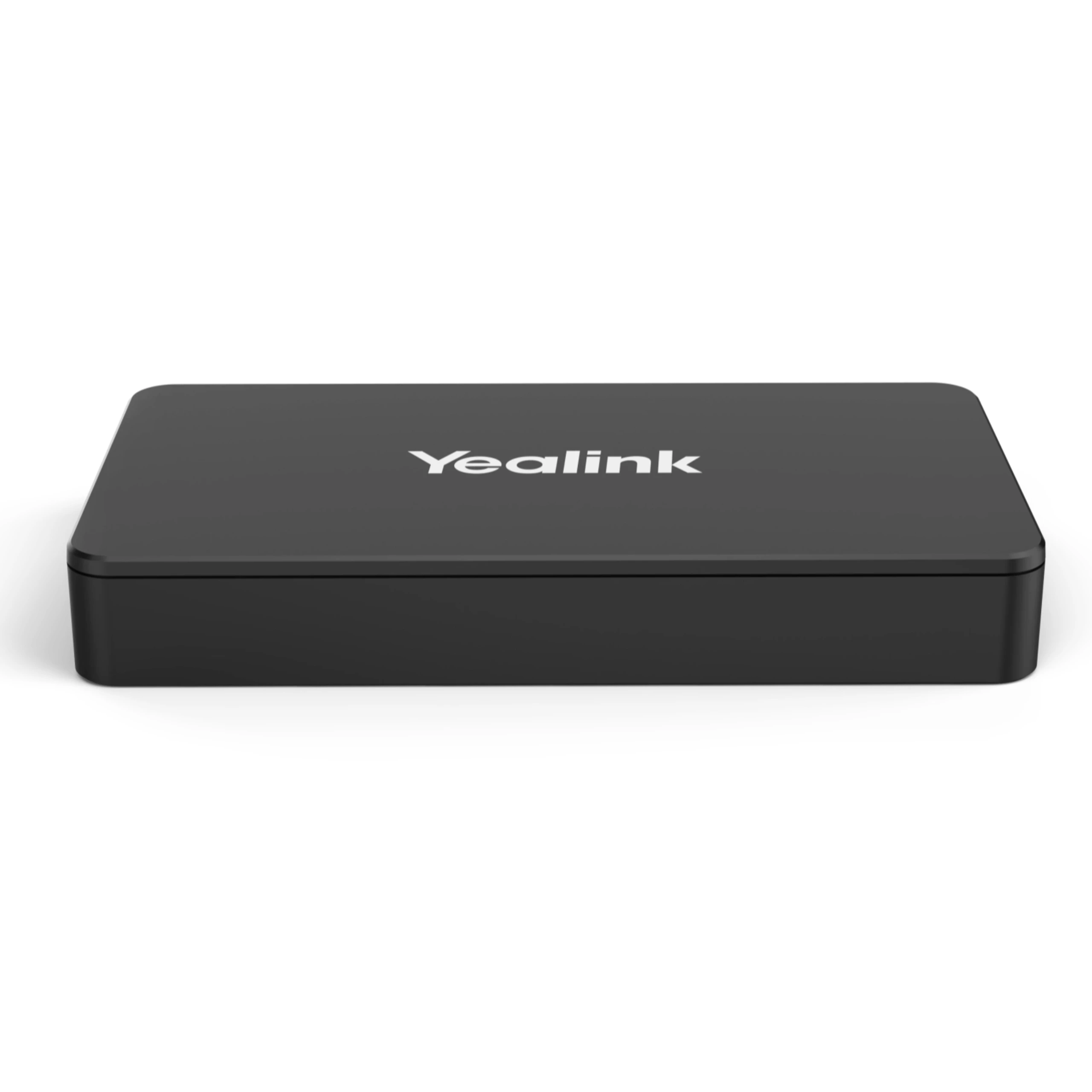


Yealink MVC Screen Sharing E2 is a screen sharing box designed for modern Microsoft Teams Rooms and professional meeting spaces. It enables users to share content from a laptop or computer, or another compatible source, to the meeting room display. This helps teams present documents, presentations, videos, and other content during meetings. Its practical design makes content sharing easier while keeping the meeting room setup organized and user-friendly. Moreover, now its available at Access Systems in Pakistan.
Flexible Deployment
Separate design from the Touch Console offers unparalleled flexibility in deployment, catering to various scenarios effortlessly.
Seamless Integration
Easily integrates into conference setups, ensuring smooth operation even when the MTouch Console casting cable is insufficient.
Versatile Connectivity
Equipped with three ports – 1x USB-Type B, 1x HDMI In, and 1x USB-C, enabling compatibility with a wide range of devices.
Intuitive Status Indicator
LED bi-color light indicates the casting status of the wired auxiliary stream, providing clear visual cues for effortless monitoring.
The MShare E2 helps users share content quickly during meetings without relying on complicated connection methods. It can work as part of a compatible Yealink MVC meeting room solution and supports a smooth content-sharing experience. This makes it useful for presentations, team discussions, training sessions, and collaborative meetings where participants need to display information from their computers.
The MShare E2 is suitable for Microsoft Teams Rooms environments and works with compatible Yealink meeting room equipment. It can complement meeting room displays, cameras, microphones, speakers, and room controllers to create a complete collaboration setup. This makes it a practical choice for organizations that use Teams for daily communication and hybrid meetings.
The Yealink MShare E2 works well in conference rooms, boardrooms, training rooms, classrooms, huddle spaces, and other collaboration areas. It helps organizations provide a simple way for meeting participants to share content on the main room display. Its compact form also supports a clean and organized installation.
With the Yealink MShare E2, businesses can improve the content-sharing experience in modern meeting rooms. It supports collaborative presentations and helps meeting participants stay focused on the discussion rather than dealing with complicated connectivity processes. When combined with compatible Yealink MVC components, it provides a practical solution for professional video conferencing and content sharing.
| Brands |
Yealink |
|---|
Only logged in customers who have purchased this product may leave a review.
Yealink MVC Screen Sharing E2 is a screen sharing box designed for modern Microsoft Teams Rooms and professional meeting spaces. It enables users to share content from a laptop or computer, or another compatible source, to the meeting room display. This helps teams present documents, presentations, videos, and other content during meetings. Its practical design makes content sharing easier while keeping the meeting room setup organized and user-friendly. Moreover, now its available at Access Systems in Pakistan.
Flexible Deployment
Separate design from the Touch Console offers unparalleled flexibility in deployment, catering to various scenarios effortlessly.
Seamless Integration
Easily integrates into conference setups, ensuring smooth operation even when the MTouch Console casting cable is insufficient.
Versatile Connectivity
Equipped with three ports – 1x USB-Type B, 1x HDMI In, and 1x USB-C, enabling compatibility with a wide range of devices.
Intuitive Status Indicator
LED bi-color light indicates the casting status of the wired auxiliary stream, providing clear visual cues for effortless monitoring.
The MShare E2 helps users share content quickly during meetings without relying on complicated connection methods. It can work as part of a compatible Yealink MVC meeting room solution and supports a smooth content-sharing experience. This makes it useful for presentations, team discussions, training sessions, and collaborative meetings where participants need to display information from their computers.
The MShare E2 is suitable for Microsoft Teams Rooms environments and works with compatible Yealink meeting room equipment. It can complement meeting room displays, cameras, microphones, speakers, and room controllers to create a complete collaboration setup. This makes it a practical choice for organizations that use Teams for daily communication and hybrid meetings.
The Yealink MShare E2 works well in conference rooms, boardrooms, training rooms, classrooms, huddle spaces, and other collaboration areas. It helps organizations provide a simple way for meeting participants to share content on the main room display. Its compact form also supports a clean and organized installation.
With the Yealink MShare E2, businesses can improve the content-sharing experience in modern meeting rooms. It supports collaborative presentations and helps meeting participants stay focused on the discussion rather than dealing with complicated connectivity processes. When combined with compatible Yealink MVC components, it provides a practical solution for professional video conferencing and content sharing.
| Brands |
Yealink |
|---|

Be the First to Know. Sign up to newsletter today

B-110, 1st Floor, Anum Classic, Shahra-e-Faisal, Karachi, Pakistan - 75460

+92 323 3677253
+92 335 3448413

info@accsys.pk

10 a.m to 8 p.m
No account yet?
Create an Account



Reviews
There are no reviews yet.