




Description
Yealink Room Panel For Microsoft Teams Scheduling Devices in Pakistan
Enhance Your Meeting Experience with Yealink Room Panel for Microsoft Teams in Pakistan! 🇵🇰 Get the Best Price at Access Systems Pakistan and Elevate Your Collaboration!
Utilize and Manage Your Meeting Spaces with Exceptional Ease and Efficiency
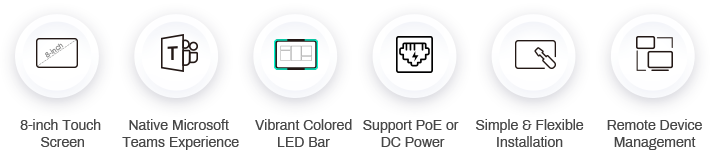
Intelligent Room Scheduling Solution with
Native Microsoft Teams Experience
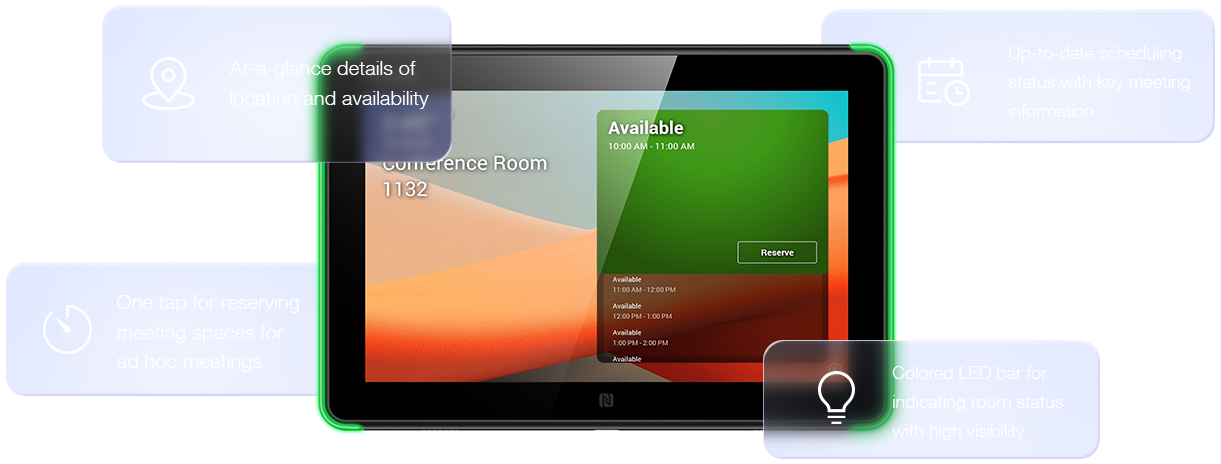
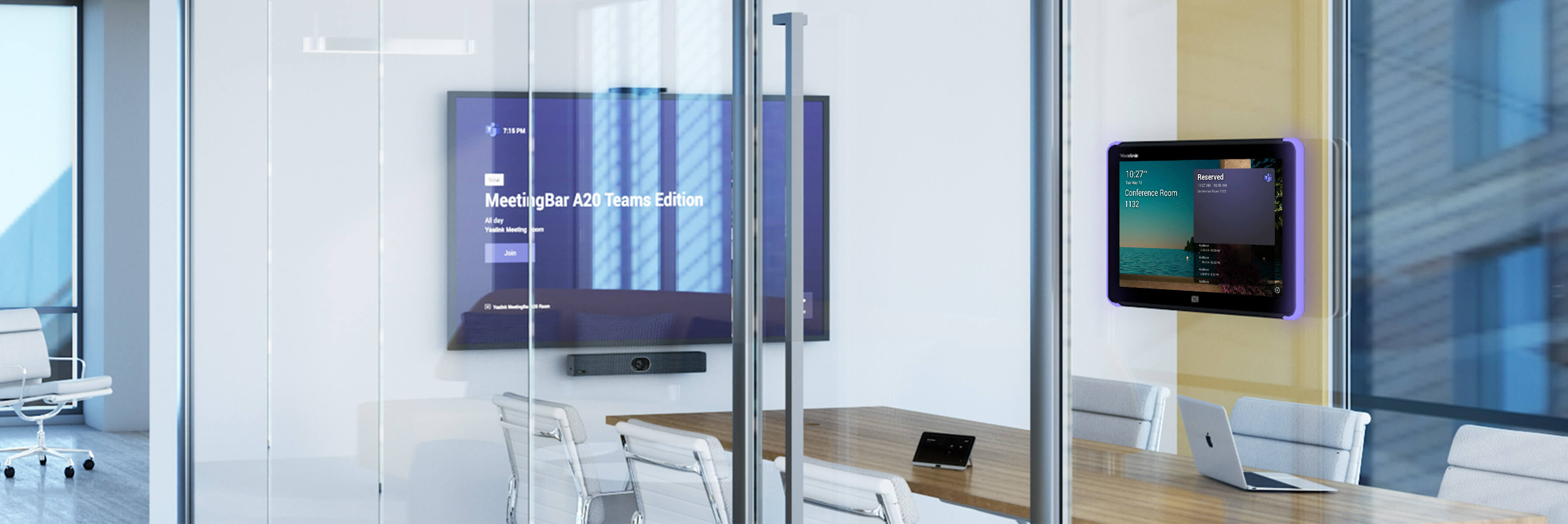
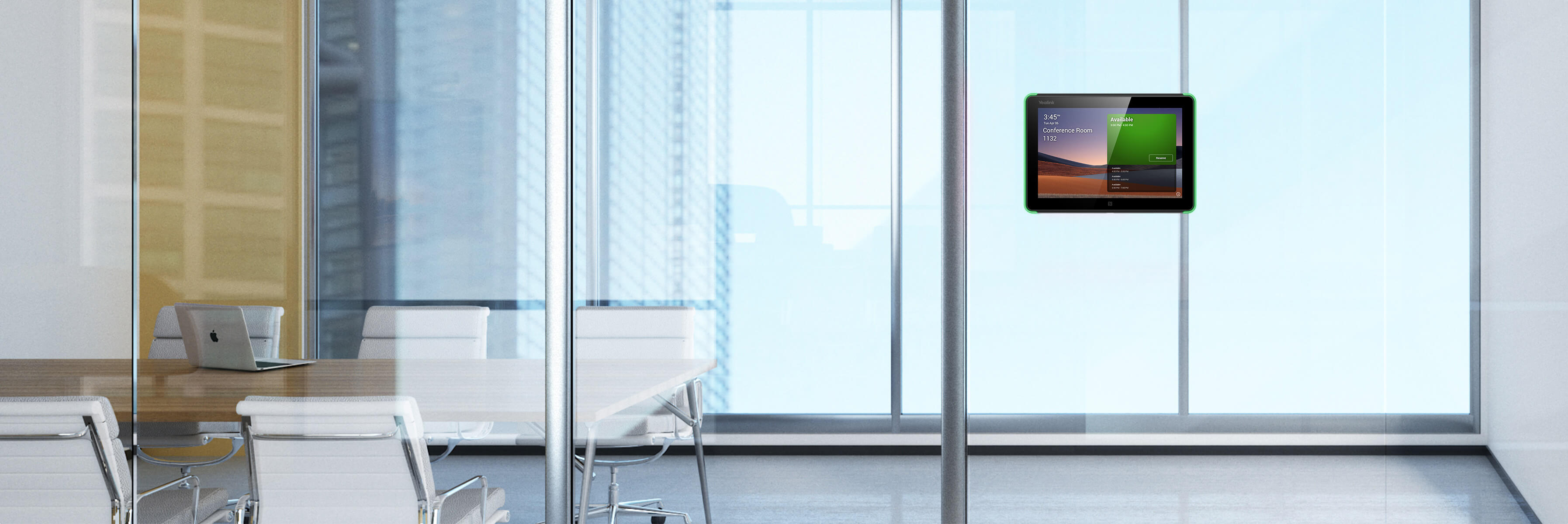
Yealink RoomPanel is one of the dedicated Microsoft Teams devices with compact touchscreen and ideal for mounted
outside the meeting spaces for displaying meeting details scheduled via Teams or Outlook 365 calendaring applications.
Moreover, the panel is also enabled for reserving an available room on the spot and indicating current room status.
outside the meeting spaces for displaying meeting details scheduled via Teams or Outlook 365 calendaring applications.
Moreover, the panel is also enabled for reserving an available room on the spot and indicating current room status.

Auto Check-in with Room Sensor
Paired with a Yealink RoomSensor, the RoomPanel enables users to auto check-in and see the room status when the RoomSensor detects participants entering the room. Moreover, when the occupancy status of the detected room does not match that shown on the panel, a pop-up message will be displayed on the panel. This automated operation allows for touchless office space and increases the efficiency of meeting room usage.
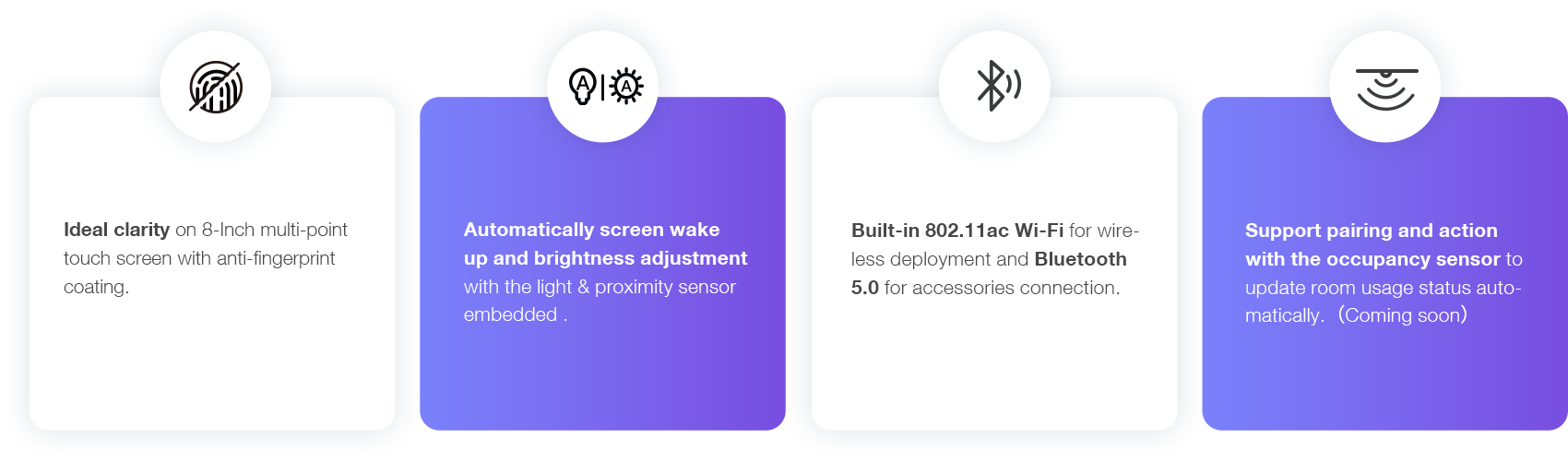
Elaborate Features for Advanced Concierge Service
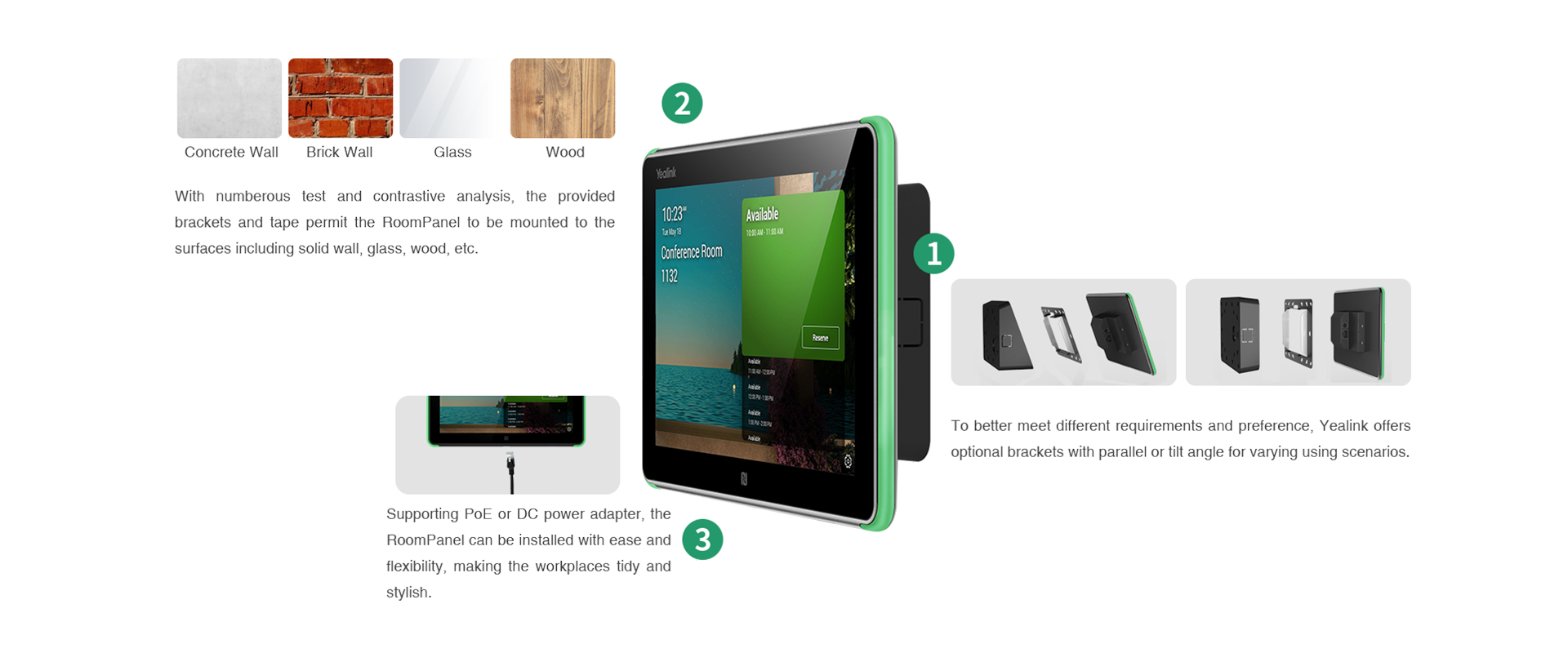
Install and Manage the Devices with Ease, Flexibility and Efficiency
Managing a batch of meeting room devices is no longer a heavy burden for the administrators or IT staff, as they can easily monitor, manage and diagonose the products via Microsoft Teams Admin Center or Yealink Management Cloud Service.
Additional information
| Brands |
Yealink |
|---|
Reviews (0)
Only logged in customers who have purchased this product may leave a review.
Description
Yealink Room Panel For Microsoft Teams Scheduling Devices in Pakistan
Enhance Your Meeting Experience with Yealink Room Panel for Microsoft Teams in Pakistan! 🇵🇰 Get the Best Price at Access Systems Pakistan and Elevate Your Collaboration!
Utilize and Manage Your Meeting Spaces with Exceptional Ease and Efficiency
Intelligent Room Scheduling Solution with
Native Microsoft Teams Experience
Yealink RoomPanel is one of the dedicated Microsoft Teams devices with compact touchscreen and ideal for mounted
outside the meeting spaces for displaying meeting details scheduled via Teams or Outlook 365 calendaring applications.
Moreover, the panel is also enabled for reserving an available room on the spot and indicating current room status.
outside the meeting spaces for displaying meeting details scheduled via Teams or Outlook 365 calendaring applications.
Moreover, the panel is also enabled for reserving an available room on the spot and indicating current room status.
Auto Check-in with Room Sensor
Paired with a Yealink RoomSensor, the RoomPanel enables users to auto check-in and see the room status when the RoomSensor detects participants entering the room. Moreover, when the occupancy status of the detected room does not match that shown on the panel, a pop-up message will be displayed on the panel. This automated operation allows for touchless office space and increases the efficiency of meeting room usage.
Elaborate Features for Advanced Concierge Service
Install and Manage the Devices with Ease, Flexibility and Efficiency
Managing a batch of meeting room devices is no longer a heavy burden for the administrators or IT staff, as they can easily monitor, manage and diagonose the products via Microsoft Teams Admin Center or Yealink Management Cloud Service.
Additional information
| Brands |
Yealink |
|---|


Reviews
There are no reviews yet.